CLI
Peregrine includes a command-line interface for security workflows and for launching the interactive terminal experience.
Run direct commands for scripted analysis or start the full TUI to work interactively with agents.
Interactive interface
Run peregrine to launch the TUI workbench.
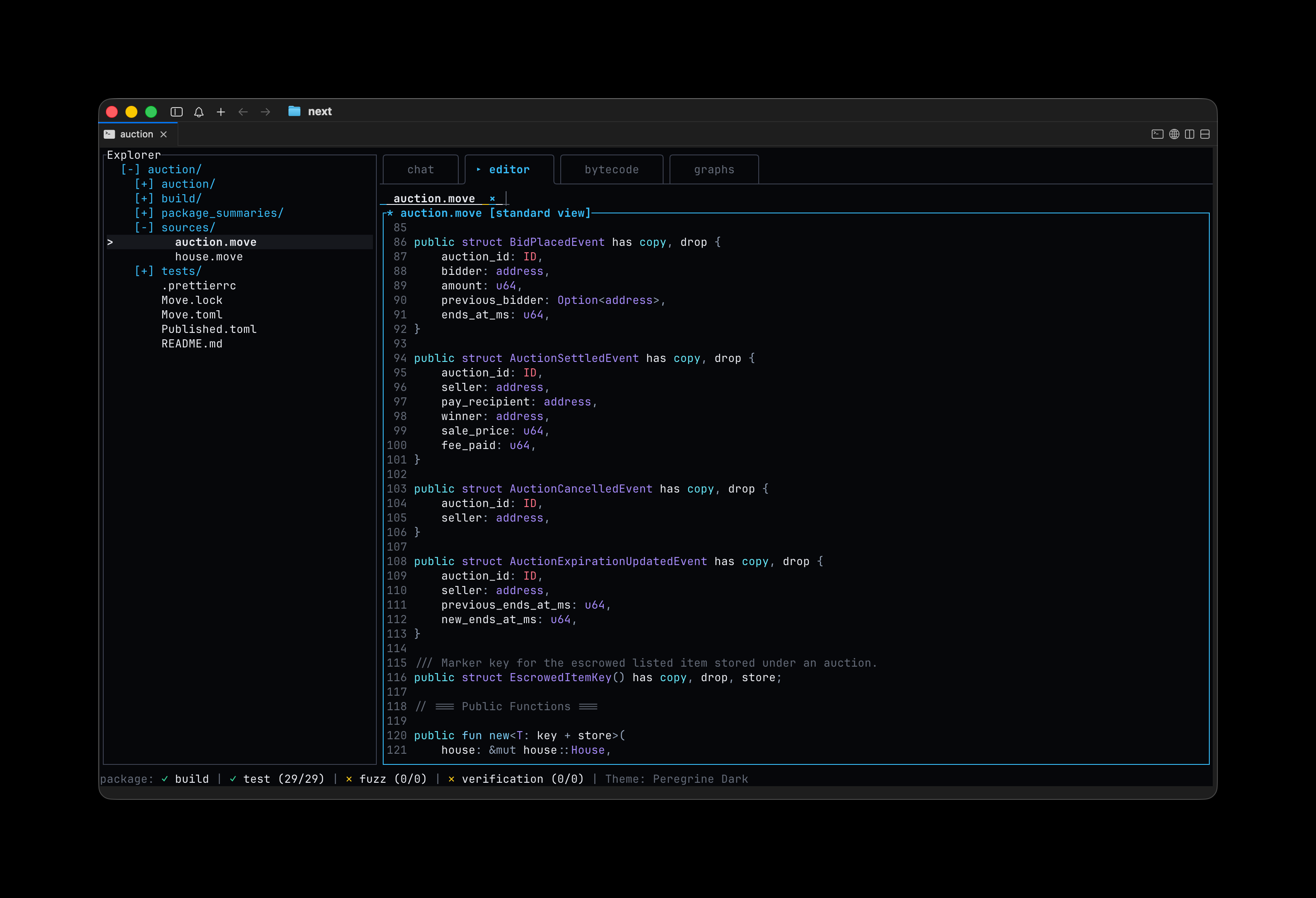
The workbench layout includes:
- Explorer pane on the left for file navigation.
- Main workspace with chat, editor, bytecode, and graphs tabs.
- Status bar at the bottom displaying build, test, fuzz, and verification metrics.
Open a specific project by passing a path:
peregrine /path/to/your/projectThe TUI provides slash commands, agent interactions, and the same capabilities as the desktop app.
Agent mode
Start the agent directly with:
$ peregrine agent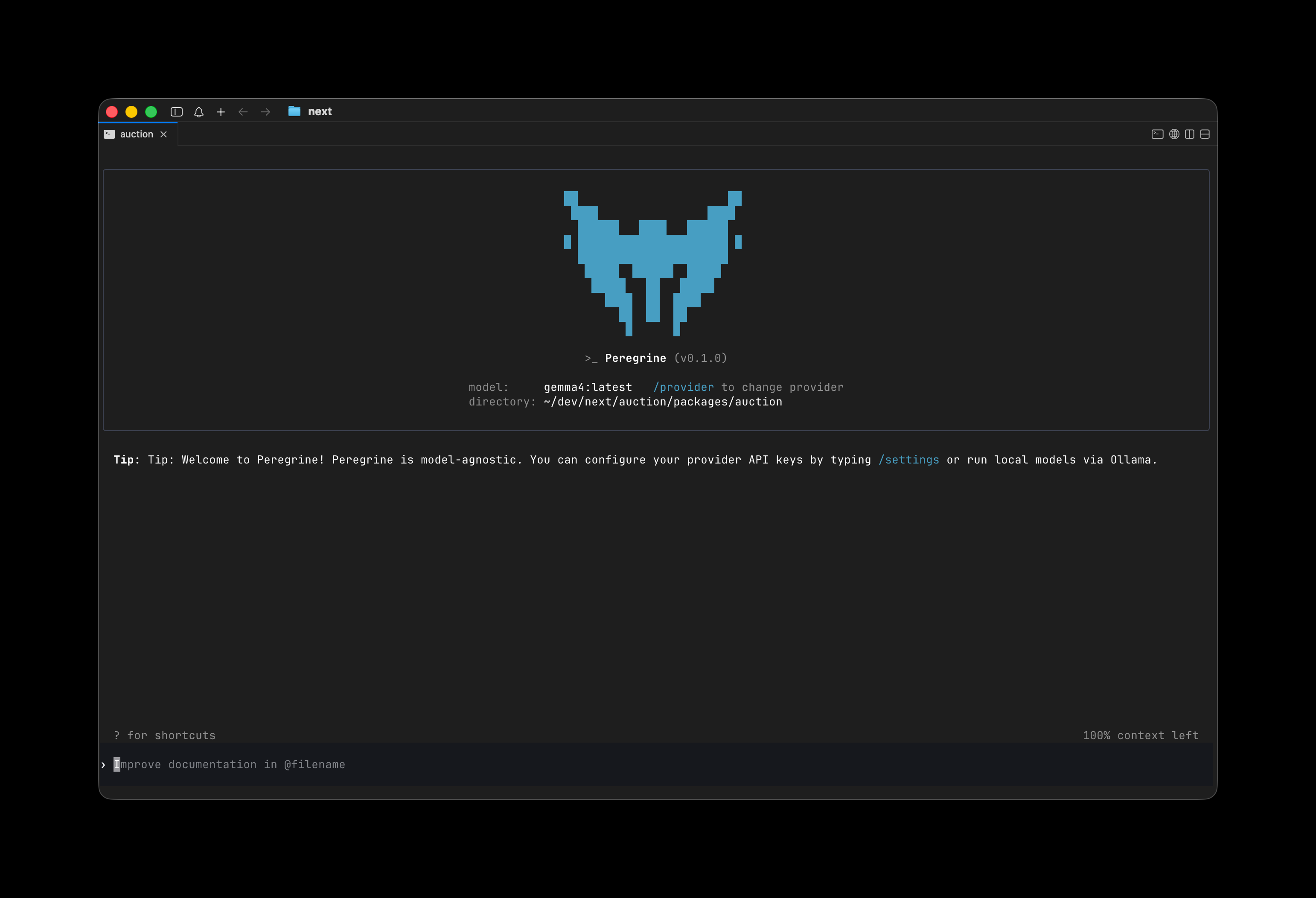
Configure provider API keys with /provider or run local models via Ollama/LM Studio. Pass model overrides and other configuration for scripted or embedded agent runs.
Direct commands
Target a Move package and run analysis commands.
Use global flags to specify the project and package:
--project <path>(defaults to current directory)--package <name>(defaults to current directory)--jsonfor machine-readable output
Security analysis
Common commands include:
build— Build the packagetest— Run testscoverage— Generate coverage databytecode(orbytecode-viewer) — Inspect compiled bytecode and control flowsignatures(orfunction-signatures) — List public and entry function signaturescall-graph— Generate call graphsobject-graph— Generate object graphscfg(orcontrol-flow-graph) — Generate control-flow graphsfuzz— Run fuzzing against target functionsverify— Perform formal verification on modulesanalyze— Run advanced multi-stage analysischeck-all— Execute a comprehensive set of checks (with flags like--skip-fuzz)
Package management
new-package— Create a new boilerplate Move packageimport-package— Import an on-chain package by ID and network
These commands let you bring code into your environment for analysis.
Output and scripting
Add --json to commands to get structured output suitable for CI, scripts, or other tools.
The CLI shares the same model-agnostic and autonomous agent foundation as the rest of Peregrine.
Next steps
See the Audit workflow page for how to run full audits from the command line or TUI.
See Subagents for details on agent collaboration.